Best Free Password Generator Online — I Tested 7 Tools
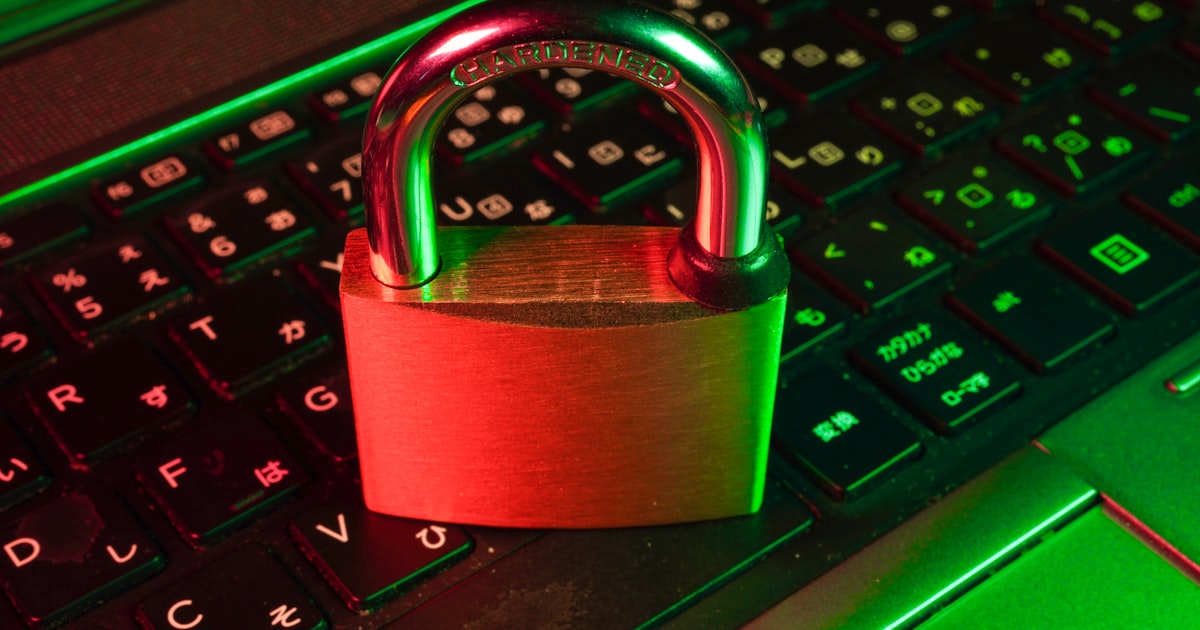
Photo by FLY:D on Unsplash
Table of Contents
Why I Even Bothered Testing These
Sounds simple, right? I thought I'd find one in five minutes. Instead I spent an afternoon testing seven different tools because some of them had weird issues I didn't expect. One generator produced passwords that looked random but had suspicious patterns. Another took four clicks just to copy the result. A couple loaded so many ads I couldn't find the actual tool on the page.
So here's what I found after testing all seven with the same criteria: strength of defaults, customization options, copy speed, and whether the tool runs client-side (meaning your password never leaves your browser). That last one matters more than people think.
The Tools I Tested and How I Ranked Them

Photo by Philipp Katzenberger on Unsplash
1. ToolsFuel Password Generator — toolsfuel.com/tools/password-generator 2. 1Password Generator — 1password.com/password-generator 3. Bitwarden Generator — bitwarden.com/password-generator 4. LastPass Generator — lastpass.com/features/password-generator 5. Norton Password Generator — identitysafe.norton.com/password-generator 6. Avast Password Generator — avast.com/random-password-generator 7. random.org Password Generator — random.org/passwords
I scored each on five things: - Default strength: What do you get if you just click Generate without changing settings? - Customization: Can you control length, character types, exclude ambiguous characters? - Copy UX: How many clicks from generation to clipboard? - Client-side processing: Does the password stay in your browser, or does it hit a server? - Page experience: Ads, loading speed, mobile usability
I didn't score based on the parent product (password manager features, etc.) — just the standalone web generator.
ToolsFuel — The One That Got the Basics Right
ToolsFuel's password generator defaults to a 16-character password with uppercase, lowercase, numbers, and symbols. That's already stronger than what most of the others default to (several default to 12 characters). The slider goes up to 128 characters, which is overkill for most people but useful if you're generating API keys or tokens.
The copy button is right next to the output. One click. No popups, no "sign up for more features" modals. It runs entirely in your browser using the Web Crypto API — `crypto.getRandomValues()` — so the password is never transmitted anywhere. I checked the network tab to confirm.
What it doesn't have: no passphrase mode, no pronounceable password option, no bulk generation. If you need those, Bitwarden's generator is better. But for the "I just need a strong random password right now" use case, it's fast and clean.
If you're curious about how the underlying cryptography works, I wrote about hashing algorithms like SHA-256 recently — it's the same Web Crypto API under the hood.
1Password and Bitwarden — The Full-Featured Picks

Photo by Thomas Jensen on Unsplash
1Password's generator defaults to 20 characters with all character types. It also has a "memorable password" mode that generates passphrase-style passwords like "correct-horse-battery-staple" — which are actually easier to type on mobile and arguably more secure than shorter random strings. The page is clean, fast, and the copy button works instantly.
The downside: the generator page is clearly designed to funnel you toward their paid product. There's a persistent banner asking you to download 1Password. It's not intrusive enough to be annoying, but it's there.
Bitwarden's generator is my favorite for power users. It has every option you could want: password length up to 128, toggle individual character types, exclude ambiguous characters (like 0/O and l/1), minimum counts for numbers and special characters, passphrase mode with configurable word count and separator. It's genuinely impressive for a free tool.
Bitwarden is also open source, which means the client-side claim is independently verifiable. For security-conscious devs, that matters. Both tools use proper cryptographic randomness — I didn't find any red flags in either.
The Ones With Problems
LastPass generator defaults to 14 characters and has decent customization. My issue is trust-related — LastPass had a major security breach in 2022 where encrypted vault data was stolen. Their standalone generator runs client-side (I verified), so it's technically safe. But the brand damage makes it a hard recommendation when equally good alternatives exist without the baggage.
Avast's generator is perfectly adequate. 15-character default, all character types, clean interface. It's not doing anything wrong. It's just not doing anything that makes it stand out either. Middle of the pack.
random.org is the odd one out. It uses atmospheric noise for randomness instead of the Web Crypto API, which is a cool technical choice. But the interface is straight out of 2008, the default length is only 8 characters (way too short), and you can't customize character types easily. It's more of an educational curiosity than a practical daily tool.
If you're building something that needs to generate passwords programmatically, you're better off using the crypto module directly — `crypto.randomBytes()` in Node.js or `crypto.getRandomValues()` in the browser. No external tool needed. But for quick one-off generation, a web tool saves time.
What Actually Makes a Password Strong in 2026
Password strength is measured in bits of entropy. A completely random password using uppercase + lowercase + digits + symbols (roughly 95 printable ASCII characters) gives you about 6.5 bits of entropy per character. So:
- 8 characters = ~52 bits (crackable in hours with modern GPUs) - 12 characters = ~78 bits (safe for most accounts today) - 16 characters = ~104 bits (very strong) - 20 characters = ~130 bits (overkill for almost everything)
Passphrases work differently. Four random dictionary words from a list of 7,776 words (like the EFF word list) gives you about 51 bits — roughly equivalent to a random 8-character password. Six words gets you to ~77 bits, which is solid.
The catch with passphrases: they're only strong if the words are randomly selected. "correct horse battery staple" is famous, but "password123love" isn't a passphrase — it's a predictable pattern.
My recommendation: use at least 16 random characters for everything. If you're typing it manually (rare in 2026 with password managers), use a 5-6 word passphrase instead. And never reuse passwords across sites — that's still the single biggest security risk for most people.
If you're storing passwords in a database, you should be hashing them with bcrypt or Argon2id, not storing them in plain text. The password generator is just the first step.
My Rankings After Testing All Seven
Best overall for quick use: ToolsFuel — strong defaults, zero friction, fully client-side, no ads or upsells. Try it here.
Best for power users: Bitwarden — every customization option you'd want, open source, passphrase mode. If you need fine-grained control, this is the one.
Best passphrase generator: 1Password — the memorable password mode is genuinely useful for passwords you'll type manually.
Adequate but unremarkable: Avast — works fine, nothing wrong with it, nothing special about it either.
Skip: Norton (ad-heavy, weak defaults), LastPass (trust issues), random.org (outdated UI, weak defaults).
Honestly, any generator using `crypto.getRandomValues()` or equivalent will produce cryptographically strong passwords. The difference comes down to defaults and UX. A tool that defaults to 16+ characters with all character types saves you from having to think about settings every time. That's the bar I used, and that's why the top three stood out.
Frequently Asked Questions
Are online password generators safe to use?
Yes, if they run client-side in your browser. Tools like ToolsFuel, Bitwarden, and 1Password generate passwords using your browser's built-in cryptographic API (crypto.getRandomValues) — the password is created locally and never sent to any server. You can verify this by checking the network tab in your browser's developer tools while generating a password. If you see no outgoing requests, you're good. I'd avoid any generator that requires you to create an account just to generate a basic password.
How long should my password be in 2026?
At minimum 12 characters with a mix of uppercase, lowercase, numbers, and symbols — but I'd recommend 16 as your default. GPU-based password cracking has gotten significantly faster, and what was safe five years ago isn't necessarily safe now. For high-value accounts (email, banking, cloud services), 20+ characters is reasonable. If you're using a password manager (which you should be), there's zero cost to using longer passwords since you won't be typing them manually.
What's the difference between a password and a passphrase?
A password is typically a short string of random characters like 'kX9#mP2$vL'. A passphrase is a series of random words like 'marble sunrise blanket orbit'. Both can be equally secure if they're long enough — a 5-word passphrase has roughly the same entropy as a 12-character random password. Passphrases are easier to type manually and easier to remember, which makes them better for master passwords or passwords you can't store in a manager. The key word is 'random' — picking words that mean something to you (pet names, birthdays) weakens the passphrase dramatically.
Is it safe to use the same password on multiple sites?
No, and this is the single biggest security risk for most people. When one site gets breached (and breaches happen constantly), attackers take those leaked credentials and try them on every other popular site — this is called credential stuffing. If you've reused your email-plus-password combo on five sites and one gets hacked, all five are compromised. Use a unique password for every account and store them in a password manager. It takes ten minutes to set up and it's the highest-impact security improvement most people can make.
Does ToolsFuel's password generator store or transmit my password?
No. The password is generated entirely in your browser using the Web Crypto API. There's no server-side component — the JavaScript runs locally, creates the random characters, and displays them on screen. Nothing is stored in cookies, local storage, or sent over the network. I verified this myself by monitoring network requests during generation. Once you close or refresh the page, the generated password is gone unless you've copied it somewhere.
Can a password generator create truly random passwords?
Yes — modern browsers include a cryptographically secure random number generator (CSPRNG) accessible via crypto.getRandomValues(). This produces output that's unpredictable enough for security-critical applications, including password generation. It's the same underlying randomness source used by operating systems for encryption keys. The passwords aren't 'pseudo-random' in any meaningful sense — they're as random as you can get on consumer hardware. That said, the randomness is only as good as the tool using it correctly, which is why open-source generators like Bitwarden are nice — you can verify the implementation.
Try ToolsFuel
23+ free online tools for developers, designers, and everyone. No signup required.
Browse All Tools